AI Agent for Website: A Practitioner Walks Through Picking, Training, and Going Live
A first-person walkthrough of picking, training, and going live with an AI agent on a website — the checklist, the cleanup, and the week after the launch.
By Wednesday morning I had six tabs open and three closed before the coffee got cold. Every AI agent for a website I looked at had a hero section that promised the same thing, and a pricing page that hid the part I cared about. So I stopped reading the marketing and made a short list.
Here is the checklist I ended up using, roughly in the order I asked it:
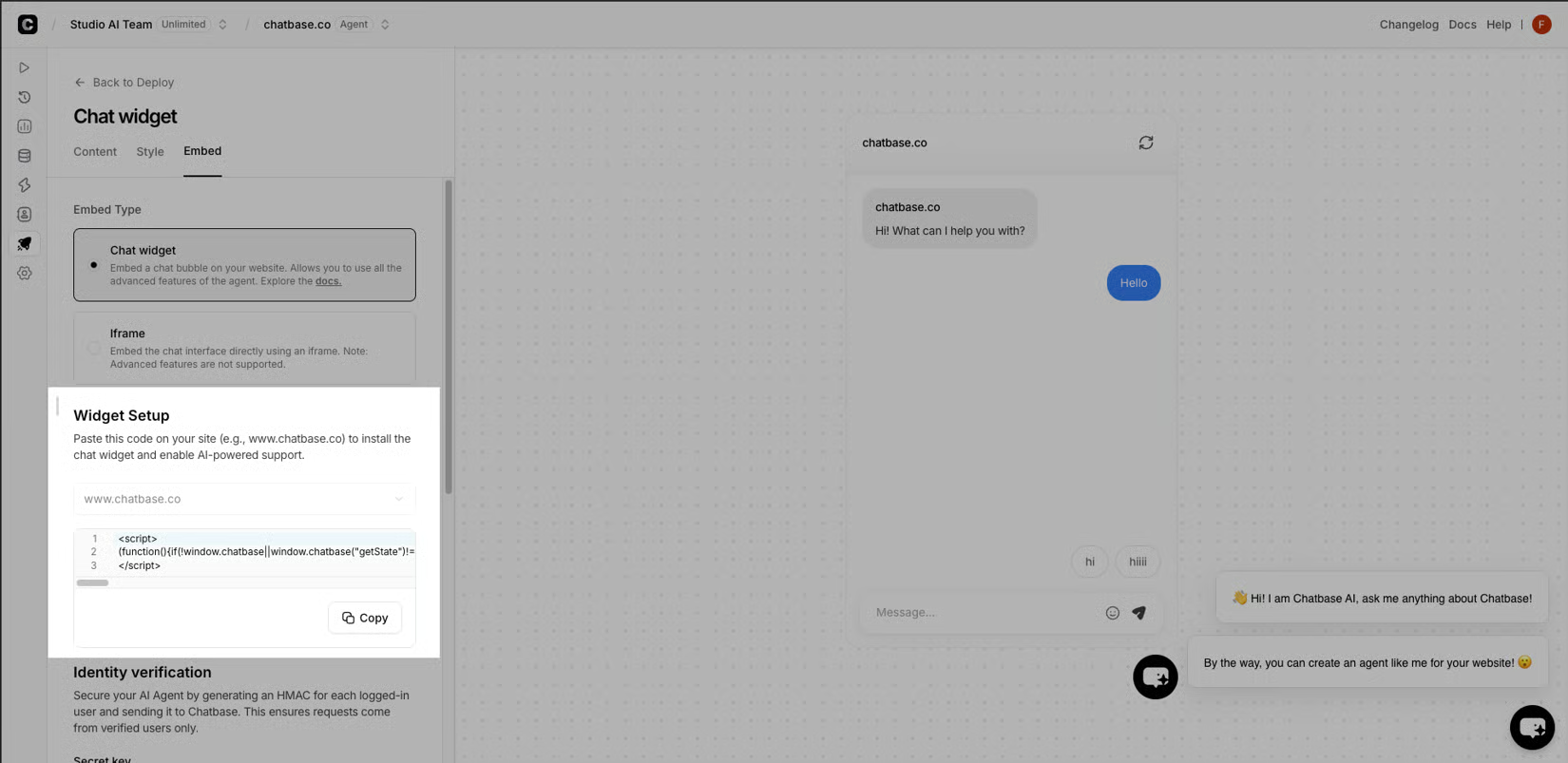
Deployment shape: a corner widget, an embedded panel, or an iframe. Pick the one your CMS can carry without a rebuild.
Training source: can it read your help center, product pages, policy pages, and a few PDFs without a developer in the loop.
Channels: site chat today, WhatsApp or email tomorrow, without re-authoring the whole brain.
Human handoff: a clean path to a real inbox, with the transcript and the page URL attached.
Analytics: deflection rate, handoff rate, unanswered intents, and the ability to read the transcripts yourself.
Security and data: where the data lives, who can read it, and what happens to a conversation after it ends.
Pricing: a tier that fits your traffic, not the one that fits their demo.
I almost picked the platform with the prettiest demo, and that was also the one that buried the data residency answer on page four of the PDF. I went with the one that answered the boring questions out loud, because an AI agent on a website is only as honest as the company that built it.
e-commerce customer support
Training It on the Stuff Only You Know
The first thing I fed it was my help center, then the policy pages, then a small pile of PDFs I had been ignoring. That was the right order and the wrong instinct, because the agent was now quoting my old shipping page at people who were asking about a refund. I went back, pruned the docs that no longer matched how we actually shipped, and rewrote the system prompt until it could refuse a question it could not ground. For the first seven days I watched four numbers and nothing else: deflection rate, handoff rate, unanswered intents, and the short CSAT prompt at the end of a resolved thread. Every Friday I rewrote the system prompt, pruned a source, and added the missing page, then let the next week teach me again.
The first three things to wire before you flip the switch:
Analytics: the same four numbers from training, piped somewhere you check daily, not buried in a vendor dashboard.
Handoff path: a tested route to a real inbox, with the transcript, the page URL, and a short reason attached.
Fallback: a graceful "I don't know, here's a human" the agent actually uses when a question goes past its sources.
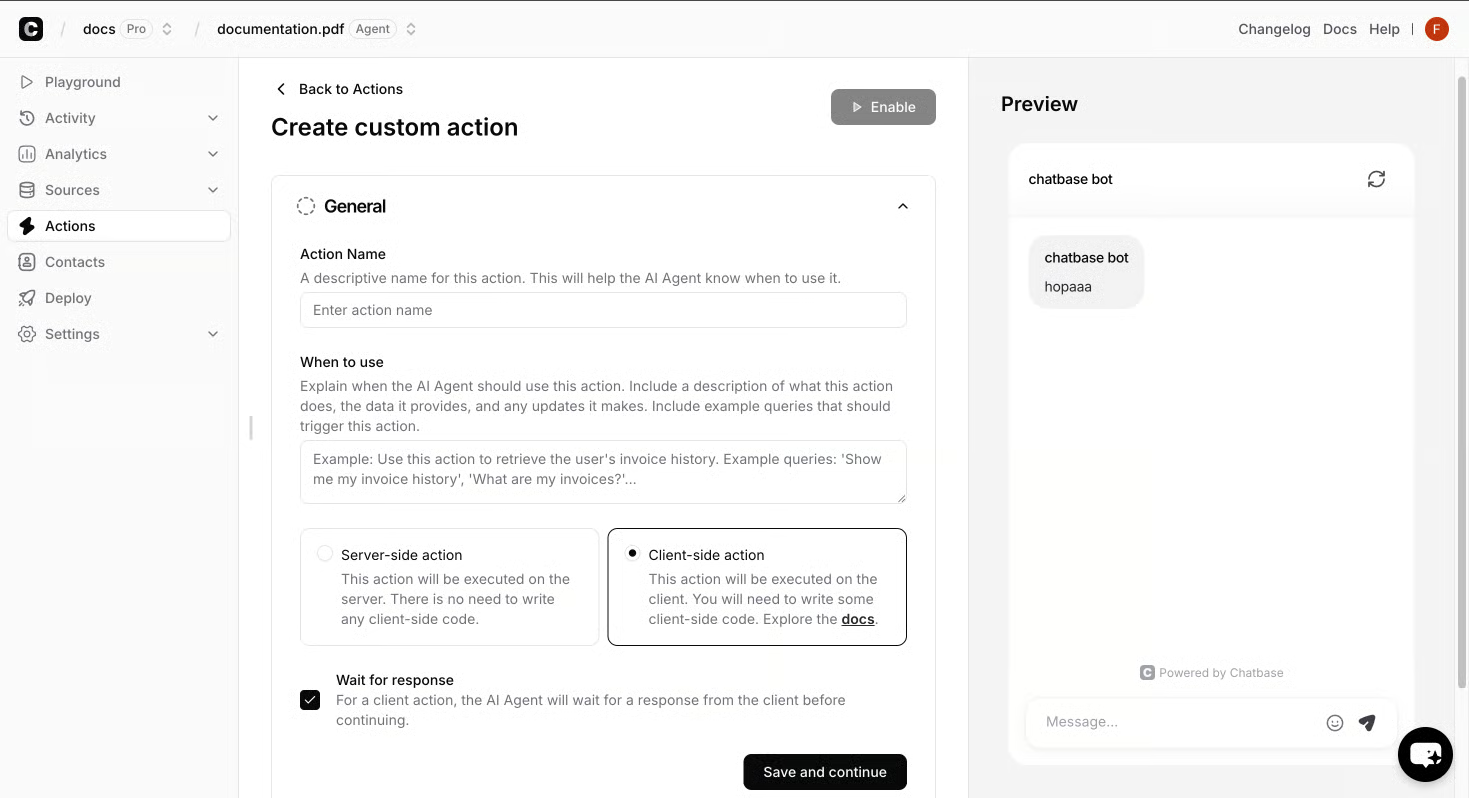
I also left a note for myself in the campaign tool: when outbound questions came back shaped like support questions, the AI Replies or Human Takeover path was the right next step, not a new ad. That single note saved me from launching a campaign the agent would have had to clean up after.
AI Replies or Human Takeover outbound campaign features
The agent will surprise you, mostly in the directions you did not test, and the fix is almost always a clean source, a tighter prompt, or a handoff you finally wired the way you meant to.
The morning I flipped the switch, I was the only person watching the inbox and I had a backup browser tab open to the rollback button. That was the right posture, because the first ten conversations taught me three things I had not tested for and one I had simply forgotten to wire. I treated the first week as a quiet residency rather than a launch. The deflection number moved two points on day three, the handoff queue filled with one oddly specific question about returns, and the agent gracefully punted to a human exactly the way I had asked it to, which surprised me more than it should have. The visitor kept typing, the human answered, and the transcript showed up in the inbox with the page URL already attached, which is the only reason I slept that week.
The single thing I would not skip on day one is reading the transcripts yourself, not the summary the dashboard gives you. The summary said the agent was deflecting sixty percent of questions; the transcripts said it was deflecting sixty percent of easy questions and routing every hard one to me, which is a different story. Once I saw that, the next round of prompt edits wrote themselves, and the handoff stopped feeling like a fallback and started feeling like a feature. Day seven looked nothing like day one, and that is the part the launch tweet never shows.