
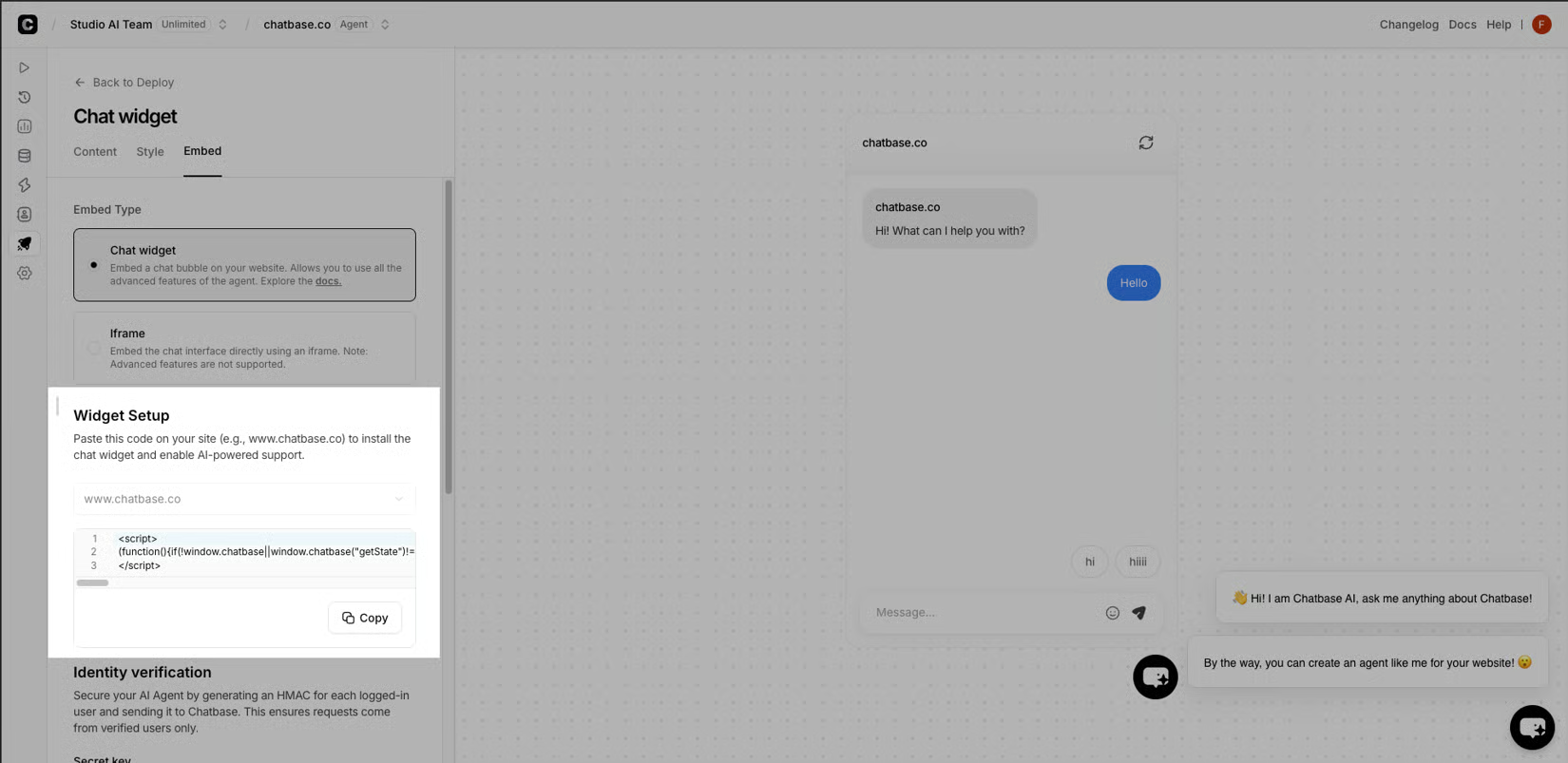
I flipped the widget to live on a Tuesday morning, two browser windows open and a notebook. Window one was the customer-facing chat. Window two was the dashboard, refreshing every few seconds. I had told the team to ping me in Slack the moment anything looked off, because in my experience the first hundred chats tell you what your training missed. If you want the full arc from picking the tool through week two, the practitioner's guide to picking, training, and going live is where I started - this stretch picks up at the sandbox and carries through the first hour. The first hour was quiet. Three customers asked about sizing, two asked where their order was, one asked a question the agent correctly punted to a human. I started to relax. Then a customer asked for a refund past the policy window, and the agent said yes. I had it set to escalate exactly that phrase, and the agent had agreed to a refund instead. That was the moment the dashboard stopped being decorative.
Reading the dashboard like a coach
What the screen showed next was less dramatic than I expected, and more useful. Each chat carried three labels: resolved by the agent, escalated to a human, or flagged for review because something felt sideways. The first hundred split roughly the way my sandbox had predicted, with one cluster I had not predicted at all - customers who closed the tab before the agent finished typing. Those abandons were not in my training data because my training data was transcripts, not live attention. A polite bot that takes nine seconds to answer is a polite bot that loses the sale, and the dashboard now made that visible on every refresh. I wrote down three numbers in the notebook every time I refreshed: resolved, escalated, abandoned.
| Metric | What it meant | How the first hour moved |
|---|---|---|
| Resolved | Agent closed the chat itself | Trended up as the cache warmed |
| Escalated | Handed to a human with the thread attached | Flat - mostly address changes and order lookups |
| Abandoned | Customer left before the reply finished | Drifted down after I cut the greeting to one sentence |
That one-sentence edit was the largest behavior change of the day, and I had almost left it alone because it felt cosmetic.
Fixing what broke
The refund case forced three changes. First, the escalation phrase lived in the system prompt, but the action ran through a tool call, so I moved the guardrail closer to the tool and added an explicit refusal message for out-of-window refunds. Second, I added a confirmation step for any refund above a low dollar threshold - a human still has to press the button. Third, I told the agent, in plain language, that "yes" is not an answer it is allowed to give to a refund past the policy window; the answer is the escalation message, every time. The latency work was duller. I cut the greeting from two sentences to one, dropped a decorative emoji the platform added by default, and shortened the opening acknowledgement so the first token arrived faster. On a tired phone on home Wi-Fi, the perceived wait dropped from nine seconds to under four. Abandoned chats dropped with it.
By Friday I had a short list of things I would do differently next time. Train on live sessions, not only transcripts. Move guardrails next to the actions they protect. Treat the greeting as latency, not as branding. Read the dashboard every hour for the first week and trust the numbers over my gut. The week also handed me one uncomfortable number I could not ignore. The abandoned-chat count, the customers who closed the tab before the first reply finished, kept tracking latency even after the cache warmed and the escalations settled. That metric was not in my training data at all, because transcripts only record the conversations that happened. They say nothing about the shoppers who walked away. A polite bot that takes nine seconds to answer is a polite bot that loses the sale, and the only reason I caught it was that I was writing the number down by hand every refresh and watching it move.
| Lesson | What it was | Why it stuck |
|---|---|---|
| Train on live attention, not just transcripts | Abandoned chats never appeared in my sandbox data | The dashboard caught what the corpus missed |
| Move guardrails next to the actions they protect | Escalation phrases in the system prompt were easy for the agent to talk around | The same rule placed next to the tool call held |
| Treat the greeting as latency | Two warm sentences read as friendly on paper and as dead air on a tired phone | Cutting it changed behavior more than any prompt edit |
| Read the dashboard every hour | Numbers beat gut feel once the first hundred chats landed | The notebook caught a trend I would have missed |
The dashboard itself was the last lesson, and the one I had not expected to learn. Three labels on every chat - resolved, escalated, abandoned - turned a wall of transcripts into something I could coach against. Refresh, write down the three numbers, decide what to change tomorrow. That rhythm is what I would carry into the next rollout, and it is the part of the first week I trust most.