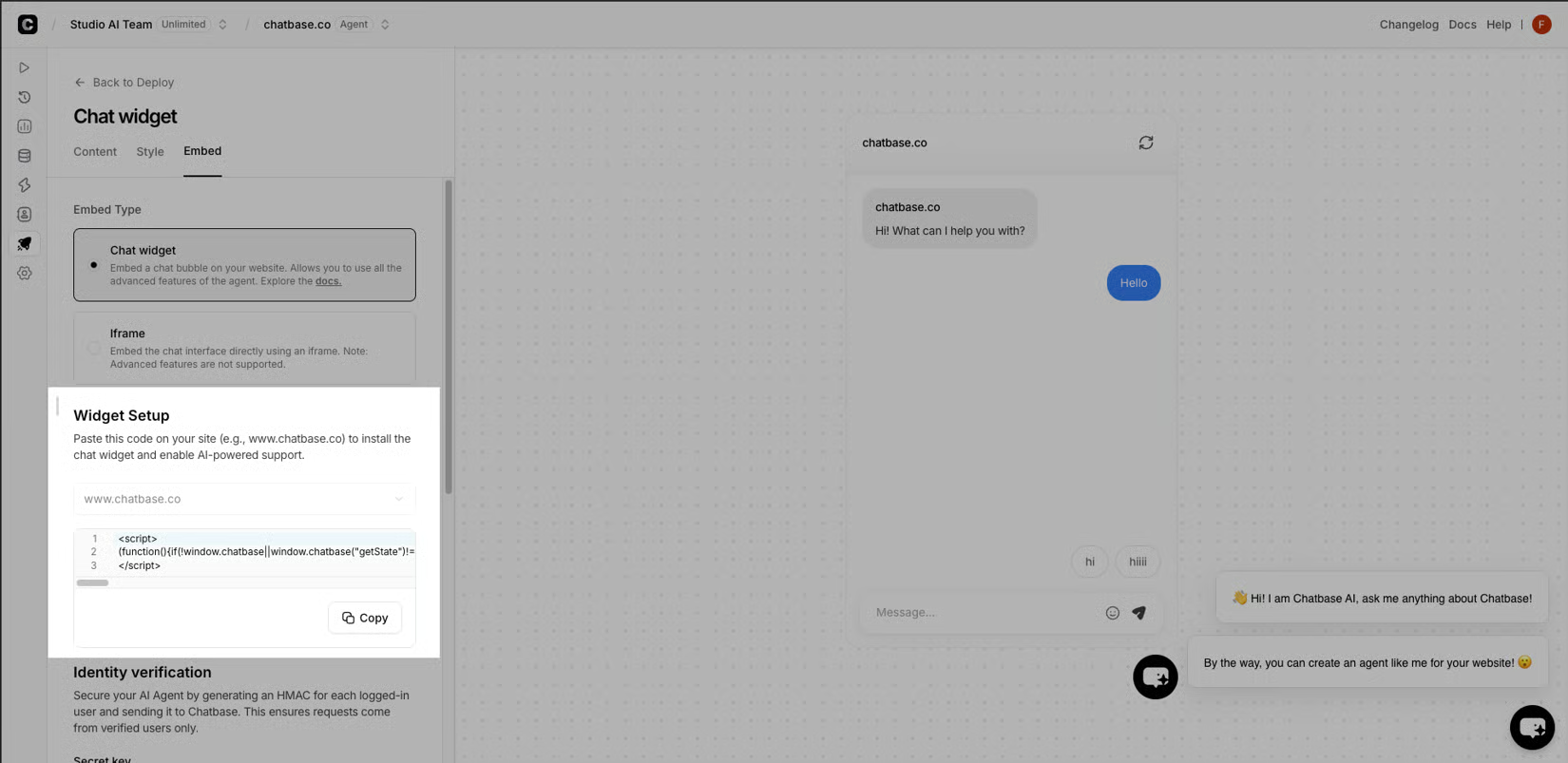
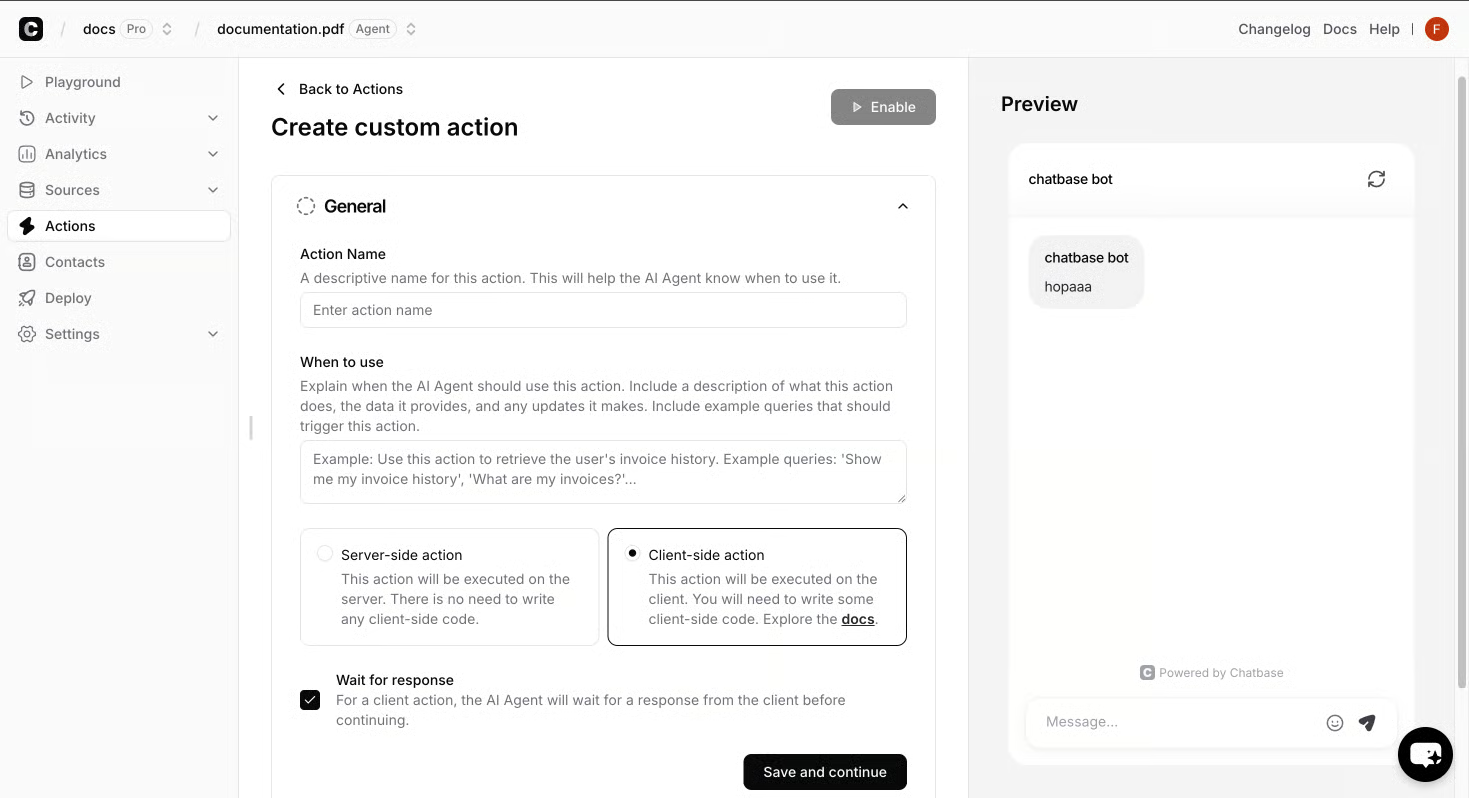
The first job is not answering questions. The first job is shrinking the pile of work my human team kept redoing every shift. I sat with our support lead and wrote down the four things the agent had to own on day one, in plain language, before I looked at a single vendor. Anything I could not write down in a sentence, the agent did not own on day one.
AI Replies or Human Takeover
Once the four jobs were on paper, training was just feeding the agent the four sources those jobs live in, and picking a tool turned into a checklist.
Day-one list, in the order I needed it:
Order status, returns, and shipping windows - the questions that come in at 2 a.m. and were eating morning shifts.
"Is this in stock and what does it fit like" - sizing, fit, and the policy behind it, pulled from our own product catalog and policy pages.
Handoff to a human with the chat already attached, so the customer never repeats themselves.
A graceful "I'm not sure" that names the next step instead of guessing.
The agent's job is to answer what I can prove from our own content and stop when it can't.
Picking the Agent Before I Picked the Tool
I wrote the four day-one jobs on a napkin first, then opened vendor tabs. Every demo looked great when it showed off features I did not have a use for, and the fastest way to overpay was to choose a tool, then bend my day-one list to fit what it did well.
I scored each candidate against five things:
Channels where my customers actually showed up. Live chat, email, WhatsApp, Slack - not "social" as one line item.
Training sources I could point at cleanly. Files, websites, Notion, and a product catalog feed without re-uploading PDFs each time.
Actions, not just answers. A Slack alert on escalation, a custom action that hit our order API, a Calendly link that actually booked.
A real handoff to a human with the chat already attached, so the customer did not repeat themselves at 9 a.m.
Data residency and pricing shape I could defend to legal and finance in the same week.
The last two did not make the shortlist until I asked. Vendors do not lead with the escalation story. The one that could show a clean ticket landing in Zendesk with the transcript attached went to the top.
Traffic shape changed the answer. A site that was 80 percent mobile chat at midnight needed different channel coverage than a B2B site where every conversation was a slow email thread. Picking the AI agent for website first turned the build into a checklist.
The training set was already on my server. Help center articles, the product catalog, the returns policy, and a CSV export of the last six months of support tickets - that was the corpus. I pointed the agent at the help center URL, uploaded the policy PDFs, hooked the catalog feed, and dropped the ticket export in as a custom Q&A file. Then I deleted the stale sources by hand, because old pricing pages and a dead size chart had snuck in by default and were teaching the wrong answer on shipping. A monthly sweep keeps it honest.
Answers were the easy part. The hard part was getting the agent to do something once it knew the answer - book the demo, drop a note in the right Slack channel, or open a Zendesk ticket with the transcript attached. Without actions, I had built a fancy FAQ. With them, the agent started closing loops my team used to handle by hand.
The first action I wired was the most boring one: a Slack ping to the on-call support lead every time the agent escalated. That single hook made launch night calm, because I watched the escalations land instead of guessing whether the handoff was working.
What that looked like in practice:
A Calendly action that actually booked a meeting when the agent offered a time, instead of dropping a link the customer had to re-enter.
A custom action that hit our order API to pull real tracking numbers, gated behind identity verification so a stranger could not query someone else's order.
A Zendesk integration that opened a ticket with the full transcript, the customer's verified identity, and the agent's confidence score already filled in.
e-commerce customer support
Identity was the unlock I did not see coming. That guardrail let me wire powerful actions without giving a stranger a back door into someone else's account. Confidence scores changed how I wrote fallback - below a threshold, the agent stopped guessing and queued a human follow-up.
Identity first, actions second, a clean corpus third. The boring checklist goes first, and the next launch is the one where I stop skipping it.
It was 9 p.m. on a Tuesday, the chat widget had been live for an hour, and I had a notepad open next to the dashboard. The first hundred chats came in faster than I expected, and three patterns jumped out before midnight. By the time I closed the laptop, I had a short list of rituals I would run before the next agent went live, and none of them were about picking a better model.
The first pattern was the easy handoff. Every escalation that landed in Zendesk with the transcript already attached got a human reply inside ten minutes. The agent's Slack ping fired on each one, so the on-call lead never had to guess whether the handoff was working. That is the calm I had built toward, and seeing it work on chat number one was the moment I stopped holding my breath.
The second pattern was identity. Once we gated the order-status action behind verification, the same flood of "where is my package" chats split cleanly into two buckets: customers who proved they owned the order, and strangers who hit the wall and queued for a human. The action that pulled real tracking numbers never once leaked someone else's data. Identity first, actions second, clean corpus third - the boring checklist I had been told to run, finally doing its job.
The third pattern was the graceful "I'm not sure." When the agent did not know, it stopped guessing, named the next step, and queued a follow-up. Those conversations landed on the support lead's morning desk with enough context that the reply felt like a continuation, not a restart. Below the confidence threshold, the agent did not bluff, and that single rule kept the brand voice intact.
What I would do next time, written for my future self:
Run the identity gate on day one, before any action that touches an order, a booking, or a customer's account.
Keep a stale-source sweep on the calendar, monthly, with old pricing pages and dead size charts named in the checklist.
Watch the first hundred chats with a human on call, not on the other side of a dashboard, so the handoff gets read out loud before it goes quiet.
The agent was not the story. The boring checklist was the story, and the first hundred chats were where it paid off.